Want to deploy OpenClaw cheap without sacrificing features? Running your own AI assistant shouldn't drain your wallet or require expensive cloud services. Yet most hosting solutions charge premium prices for basic functionality.
With Deployra, you can deploy OpenClaw cheap—starting at just $7.55/month—and get a fully-featured personal AI assistant that connects to WhatsApp, Telegram, Slack, Discord, and 8+ other platforms. No hidden fees, no per-message charges, just affordable AI hosting.
What Is OpenClaw?
OpenClaw is an open-source AI assistant you run on your own infrastructure. Unlike cloud-based alternatives that charge per message or lock you into proprietary ecosystems, OpenClaw gives you full control over your data and conversations.
Key Features
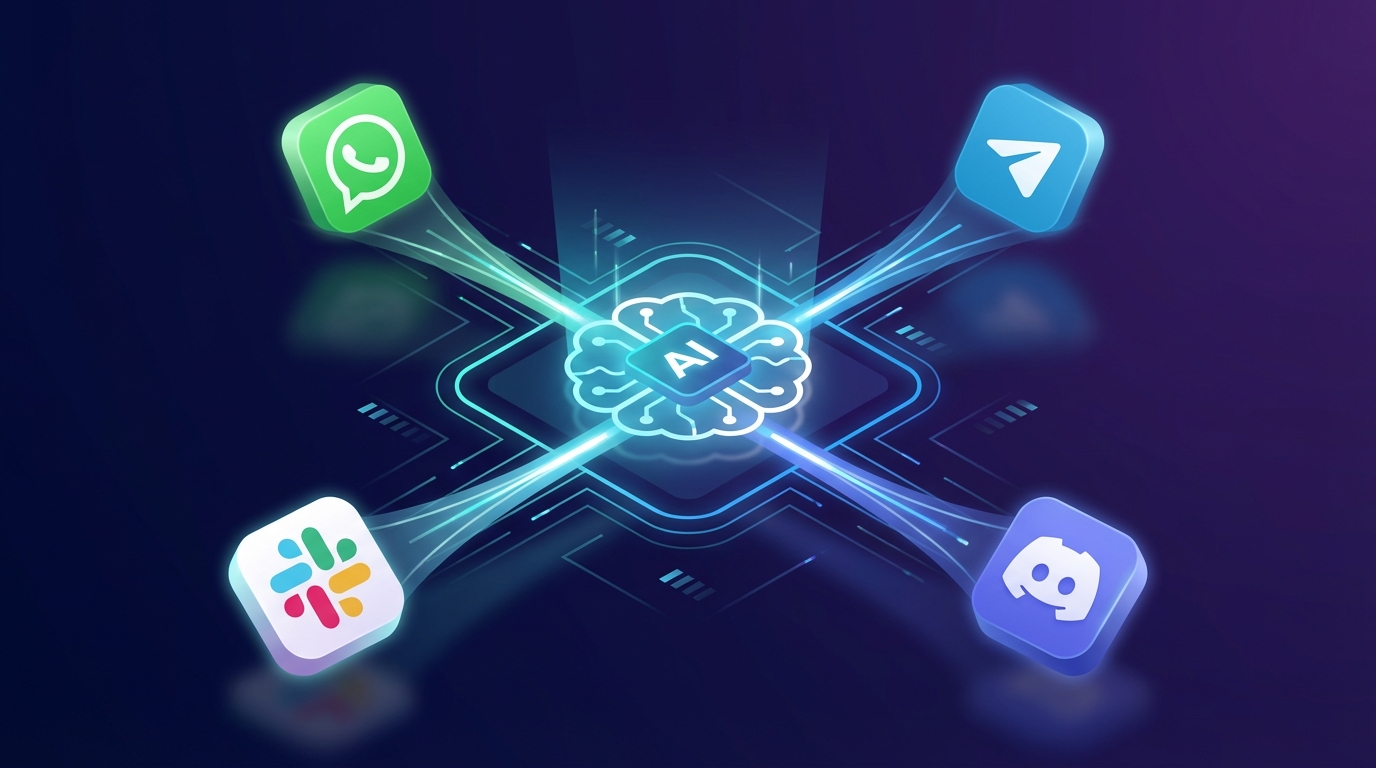
- Multi-Platform Integration: Connect to WhatsApp, Telegram, Slack, Discord, Signal, iMessage, Microsoft Teams, Matrix, Google Chat, and more—all from a single deployment
- Claude AI Powered: Uses Anthropic's Claude models for intelligent, context-aware conversations
- Session Persistence: Maintains conversation history across sessions for continuity
- Voice Capabilities: Always-on voice mode with ElevenLabs integration for macOS, iOS, and Android
- Browser Automation: Control dedicated Chrome instances for web tasks
- Device Nodes: Companion apps for macOS, iOS, and Android with camera, screen recording, and notification access
- Privacy-First: Your conversations stay on your server—no third-party data access
Why Self-Host Your AI Assistant?
1. Complete Data Privacy
When you use cloud AI services, your conversations travel through third-party servers. With a self-hosted solution like OpenClaw, everything stays within your control. This matters especially for:
- Business communications
- Personal conversations
- Sensitive information handling
- Compliance requirements (GDPR, HIPAA)
2. Deploy OpenClaw Cheap with Predictable Costs
Cloud AI assistants charge per message, per token, or per user. Costs spiral quickly with heavy usage. When you deploy OpenClaw cheap on Deployra:
- Fixed hosting at $7.55/month—no surprises
- Zero per-message fees
- Scale without exponential cost increases
- Use your own API keys at Anthropic's direct pricing
- Save 50-80% compared to managed AI services
3. Customization Freedom
OpenClaw's open-source nature lets you:
- Modify behavior to match your workflow
- Add custom skills and integrations
- Control update schedules
- Extend functionality with webhooks and cron jobs
How to Deploy OpenClaw Cheap: 3 Simple Steps
Traditionally, deploying OpenClaw requires:
- Setting up a Linux server
- Installing Node.js 22+
- Configuring Docker containers
- Managing environment variables
- Setting up SSL certificates
- Configuring reverse proxies
- Handling persistent storage
Deployra's OpenClaw template eliminates this complexity.
Step 1: Access the Template
Navigate to Deployra's OpenClaw template. The template includes:
- Pre-configured Docker container (
ghcr.io/openclaw/openclaw:latest) - 20GB persistent storage
- Production-ready environment settings
- Auto-generated encryption keys
- Proper gateway configuration (port 18789)
Step 2: Configure Your API Keys
Add your credentials through Deployra's environment variable manager:
# Required
ANTHROPIC_API_KEY: your-claude-api-key

# Optional: For voice features
ELEVENLABS_API_KEY: your-elevenlabs-key

# Optional: Platform-specific tokens
TELEGRAM_BOT_TOKEN: your-telegram-token
SLACK_BOT_TOKEN: your-slack-token
DISCORD_BOT_TOKEN: your-discord-token
Step 3: Deploy
Click deploy. Deployra handles:
- Container orchestration
- SSL certificate provisioning
- Domain configuration
- Health monitoring
- Auto-restarts on failure
Your OpenClaw instance will be live within minutes at your custom domain or Deployra subdomain.
Connecting Your Messaging Platforms
Once deployed, connect your preferred platforms:
Telegram
- Create a bot via @BotFather
- Copy the bot token
- Add it to your Deployra environment variables
- Restart the deployment
OpenClaw supports WhatsApp through the WhatsApp Business API or unofficial bridges. Configure your credentials in the OpenClaw dashboard.
Slack
- Create a Slack app at api.slack.com
- Enable Socket Mode
- Add Bot Token Scopes:
chat:write,channels:read,im:history - Install to your workspace
- Add tokens to Deployra
Discord
- Create an application at Discord Developer Portal
- Enable bot features
- Add intents: Message Content, Guild Messages
- Generate and copy bot token
- Configure in Deployra
Advanced Configuration
Security Settings
OpenClaw includes robust security defaults:
{
  "agents": {
    "defaults": {
      "sandbox": {
        "mode": "non-main"
      }
    }
  }
}
This runs untrusted interactions in isolated Docker containers, protecting your host system.
DM Pairing Mode
By default, OpenClaw uses pairing mode for direct messages. Unknown senders receive verification codes before the bot processes their messages—preventing spam and unauthorized access.
Model Selection
Configure your preferred Claude model:
{
  "agent": {
    "model": "anthropic/claude-sonnet-4"
  }
}
Options include Claude Opus 4.5, Sonnet 4, and Haiku for different speed/capability tradeoffs.
Why Deploy OpenClaw in the Cloud Instead of Locally?
Running OpenClaw on your own computer works—but it comes with limitations:
The Problem with Local Installation
- Your computer must stay on 24/7 to receive messages
- Network interruptions cause missed messages
- Power outages take your assistant offline
- Laptop users lose access when closing the lid
- Home internet often lacks static IPs and proper port forwarding
The Always-On Advantage
When you deploy OpenClaw cheap on Deployra, your AI assistant runs continuously:
- 24/7 availability: Never miss a WhatsApp message or Telegram notification
- Professional uptime: Data center reliability without data center costs
- Access from anywhere: Your assistant works whether your laptop is open or not
- No hardware wear: Save your local machine from constant operation
- Automatic recovery: Deployra restarts your instance if it crashes
Scaling Your Deployment
As usage grows, Deployra makes scaling straightforward:
Vertical Scaling
Upgrade your plan through the Deployra dashboard:
- Web-basic-2gb: Perfect for personal use (1-2 platforms)
- Web-basic-4gb: Small teams (3-5 platforms, moderate traffic)
Horizontal Considerations
For enterprise deployments needing multiple isolated instances:
- Deploy separate OpenClaw instances per team/department
- Use shared Redis for session state (configure via environment)
- Load balance with Deployra's traffic management
Troubleshooting Common Issues
Bot Not Responding
- Check deployment logs in Deployra dashboard
- Verify API keys are correctly set
- Ensure platform tokens have correct permissions
- Confirm gateway port (18789) is accessible
Connection Timeouts
OpenClaw's WebSocket gateway requires stable connections:
- Verify your Deployra plan supports persistent connections
- Check if platform-specific rate limits apply
- Review health check configuration
Message Persistence Issues
If conversations aren't maintaining history:
- Verify persistent storage is mounted (20GB default)
- Check disk space usage in Deployra metrics
- Review session configuration in
openclaw.json
Deploy OpenClaw Cheap Today
Stop leaving your computer running 24/7. Deploy OpenClaw cheap on Deployra and get an always-on AI assistant:
- Deploy the OpenClaw template in one click
- Add your Anthropic API key
- Connect your messaging platforms
- Close your laptop—your assistant keeps working
For just $7.55/month, you get a personal AI assistant that never sleeps, never misses a message, and runs independently of your local hardware.
FAQ
How much does it cost to deploy OpenClaw cheap?
Deployra's Web-basic-2gb plan starts at $7.55/month for hosting. Add Anthropic API costs ($5-20/month for typical personal use), and you're looking at roughly $13-28/month total for an always-on AI assistant across all your messaging platforms.
Can I use OpenClaw without coding?
Yes. Deployra's template handles all deployment complexity. You only need to add API keys through the web interface.
Is OpenClaw secure for business use?
OpenClaw includes sandbox isolation, DM pairing verification, and runs entirely on your infrastructure. For additional security, configure allowed IPs and enable audit logging.
What Claude models does OpenClaw support?
OpenClaw supports all Anthropic Claude models: Opus 4.5 (most capable), Sonnet 4 (balanced), and Haiku (fastest/cheapest).
Can I migrate from other AI assistants?
OpenClaw's platform-agnostic design means you can connect the same platforms you use with other services. Conversation history doesn't migrate, but you maintain all your platform connections.