Heroku Stopped Shipping: What Git-Push-to-Live Should Look Like in 2026
On February 6, 2026, Heroku posted An Update on Heroku, confirming the platform is moving to a "sustaining engineering" model. In plain terms: the focus is now stability, security, and support — not new features. Salesforce also stopped offering new Enterprise Account contracts and is redirecting product investment toward AI (Reuters/Yahoo Finance, 2026-02-06).
If you run on Heroku today, nothing breaks. Credit-card customers keep their pricing, billing, and apps. This is not a shutdown. But "no new features, indefinitely" is a real signal, and it's a fair moment to ask what you'd want from a Heroku replacement if you were starting fresh.
Let's be honest about what this is and isn't. This isn't a "Heroku is dead" dunk. Heroku invented git push heroku main and set the developer-experience bar that every platform since has copied — Deployra included. The idea was right. This post is about keeping the idea and asking what it should look like in 2026 for full-stack apps with real backends, databases, and cron.
Credit where it's due: Heroku got the core idea right
Before the comparison, give Heroku its due, because it earned it.
- Git push to deploy. You typed one command and your app went live. No SSH, no manual server config, no "works on my machine." That workflow is now the default expectation, and Heroku is why.
- Buildpacks. You pushed Ruby, Python, or Node and Heroku figured out how to build it. Zero Dockerfiles. For a lot of apps, that was exactly the right trade.
- Add-ons. Postgres, Redis, and dozens of services were one
heroku addons:createaway. - The twelve-factor app. Heroku's engineers wrote the methodology that shaped how a generation builds web services.
None of that stops being good because the roadmap froze. Plenty of teams will rightly stay on Heroku for years — it works, and it's still supported. This is for the teams who read "sustaining engineering" and decided they'd rather build on something that's still actively adding features.
What git-push-to-live should actually deliver in 2026
Strip it down. A modern Heroku replacement should hit five things:
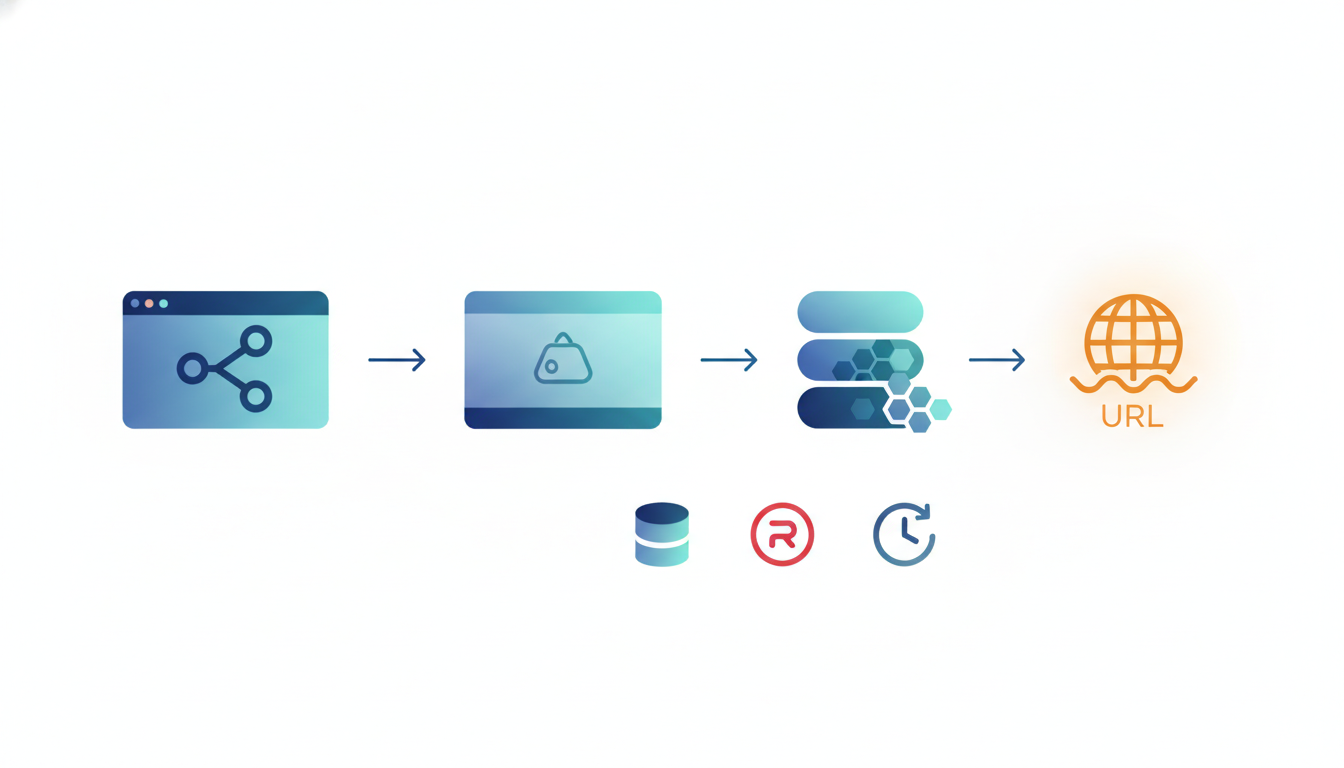
- Push to a Git branch, get a live URL. No CI scripts to hand-write for the basic case. Connect the repo, pick a branch, and a push triggers a build and deploy.
- Full-stack, not just frontend. A real long-running backend, a managed database, a cache, and scheduled jobs — not just static files and a function runtime.
- HTTPS and custom domains handled for you. Automatic subdomain, bring your own domain, certificates issued and renewed without you touching anything.
- Pricing you can predict before you deploy. A number you can multiply, not a usage meter that surprises you at month-end.
- You're not locked into one proprietary stack. Standard containers, standard Git, infrastructure you could reason about.
Heroku nailed 1 and 3 and was reasonable on 2. Where modern teams feel the pain is 4 — cost — and the fact that the platform is no longer evolving. So let's talk about how Deployra approaches the same five points, and where it honestly differs.
How Deployra does git-push-to-live
Deployra connects a GitHub repo, builds a container image, and deploys it to Kubernetes — with monitoring and managed databases. Here's the mapping to those five points, including the one real difference you should know up front.
1. Push to deploy — with one honest caveat
Connect your GitHub repo, pick the repository and branch, and auto-deploy on push is on by default. Push to that branch and Deployra builds and ships it. That part matches the Heroku reflex you already have.
The honest difference: Deployra builds from a Dockerfile (or deploys a prebuilt image from a registry like Docker Hub, ECR, or GHCR). There is no buildpack and no framework auto-detection. If your repo doesn't have a Dockerfile, you add one — usually a 10-to-15-line file for a typical web app.
That's a real trade versus Heroku's buildpacks, and we're not going to pretend it isn't. What you get for it: the build is explicit and reproducible, the same image runs identically in CI and in production, and you're not debugging a buildpack's opinion about your project. For teams already shipping Docker — which is most teams in 2026 — it's a step they were taking anyway.
2. Full-stack, genuinely
This is where "modern heir to Heroku" has to mean more than a frontend host. On Deployra you can deploy:
- Web Services — public full-stack apps, API servers, mobile backends
- Private Services — internal-only services on a private network, reachable from your other services
- Managed MySQL and PostgreSQL databases
- Managed Redis (Memory) for cache and real-time
- Cron jobs for scheduled work
So a typical app — API container, a Postgres database, a Redis cache, and a nightly cron — all lives on one platform. That's the Heroku shape (dyno + Postgres add-on + Redis add-on + scheduler), kept intact.
3. Domains and TLS, automatic
Every service gets an automatic subdomain. Add a custom domain and Deployra handles SSL/TLS termination and certificate management for you — issued and renewed automatically. Same expectation Heroku set, no manual cert wrangling.
4. Scaling and health
Deployra supports autoscaling (HPA) with min/max replicas and a target CPU threshold, manual replica counts, health checks on a path you define, persistent storage, and environment variables. You also get service and pod metrics, deployment logs, and service events through the built-in monitoring service.
5. Pricing you can predict
This is the part Heroku users feel most, so let's show the cost math instead of adjectives.
The cost math: a full-stack app on Deployra
Deployra prices per hour, and the monthly figure is just the hourly rate × 720 (24 hours × 30 days). No per-seat fees, no metered surprises bolted on top. Here are the current Web Service tiers:
| Tier | CPU | RAM | Monthly |
|---|---|---|---|
| Free | 0.1 | 512 MB | $0.00 |
| Basic-512MB | 0.5 | 512 MB | $3.17 |
| Basic-2GB | 1.0 | 2 GB | $7.55 |
| Basic-4GB | 2.0 | 4 GB | $13.60 |
A realistic full-stack app — one Web Service on Basic-2GB plus one managed database on Basic-1GB ($4.35/mo) — lands at about $11.90/month. Add a small Redis (Memory) tier and it's a few dollars more:
| Component | Tier | Monthly |
|---|---|---|
| Web Service | Basic-2GB (1 CPU, 2 GB) | $7.55 |
| PostgreSQL or MySQL | Basic-1GB (0.5 CPU, 1 GB) | $4.35 |
| Redis (Memory) | Basic-256MB | $1.49 |
| Total | ~$13.39/mo |
The point isn't that it's the cheapest possible number — it's that you can compute it in advance and it won't move because traffic ticked up. There's also a genuine $0 free tier for Web Services and Redis (databases and private services start paid), so you can put something live before you pay anything.
A note on comparing to Heroku's pricing: competitor prices change, and Heroku's are theirs to adjust, so we won't quote a Heroku number as fact here. Check their current pricing page and run the same
dyno + Postgres + Redismath against the table above for your own apps.
Where Deployra is honestly different from Heroku
A modern Heroku replacement isn't a clone, and pretending otherwise would waste your time. The differences worth knowing:
- Dockerfile required. No buildpacks, no auto-detection of your framework. You bring a Dockerfile or a prebuilt image. (Covered above — it's the main adjustment for a Heroku team.)
- No serverless/edge functions. Deployra runs containers on Kubernetes. If your app has API routes, they run inside your container, not as separate serverless functions.
- No preview/PR environments, no built-in deploy-approval workflow. Auto-deploy on push to your chosen branch is the model.
- Deployment history, not one-click rollback. You can see your deployment history; treat a rollback as redeploying a known-good commit.
If those are dealbreakers, Deployra isn't your fit, and that's fine. If what you actually want is "git push, full-stack, predictable bill, still actively built" — that's the gap it fills.
Should you move now?
Probably not in a panic. Heroku still runs, still gets security and stability work, and your apps keep serving. "Sustaining engineering" is a reason to plan, not to firefight.
Here's a reasonable read on timing:
- Staying for now is defensible. If Heroku works for you and you don't need new platform features, you have time.
- New projects are the easy win. Starting something fresh? Build it on a platform that's still shipping features and gives you a number you can predict. That's the lowest-risk place to try a Heroku replacement.
- Migrate the cost-sensitive apps first. The apps where the monthly bill stings are the ones where moving to per-hour, predictable pricing pays for the effort soonest. Add a Dockerfile, point Deployra at the repo, move the database, cut over the domain.
Heroku got git-push-to-live right, and that idea isn't going anywhere. The question for 2026 is just where you want it to run — on a platform that froze its roadmap, or one that's still adding to it with pricing you can compute before you deploy.
If that's the trade you want, deploy your first app on Deployra — push a branch, get a live URL, and check the bill against the table above.