How to Deploy a React App in 2025: The Complete Guide
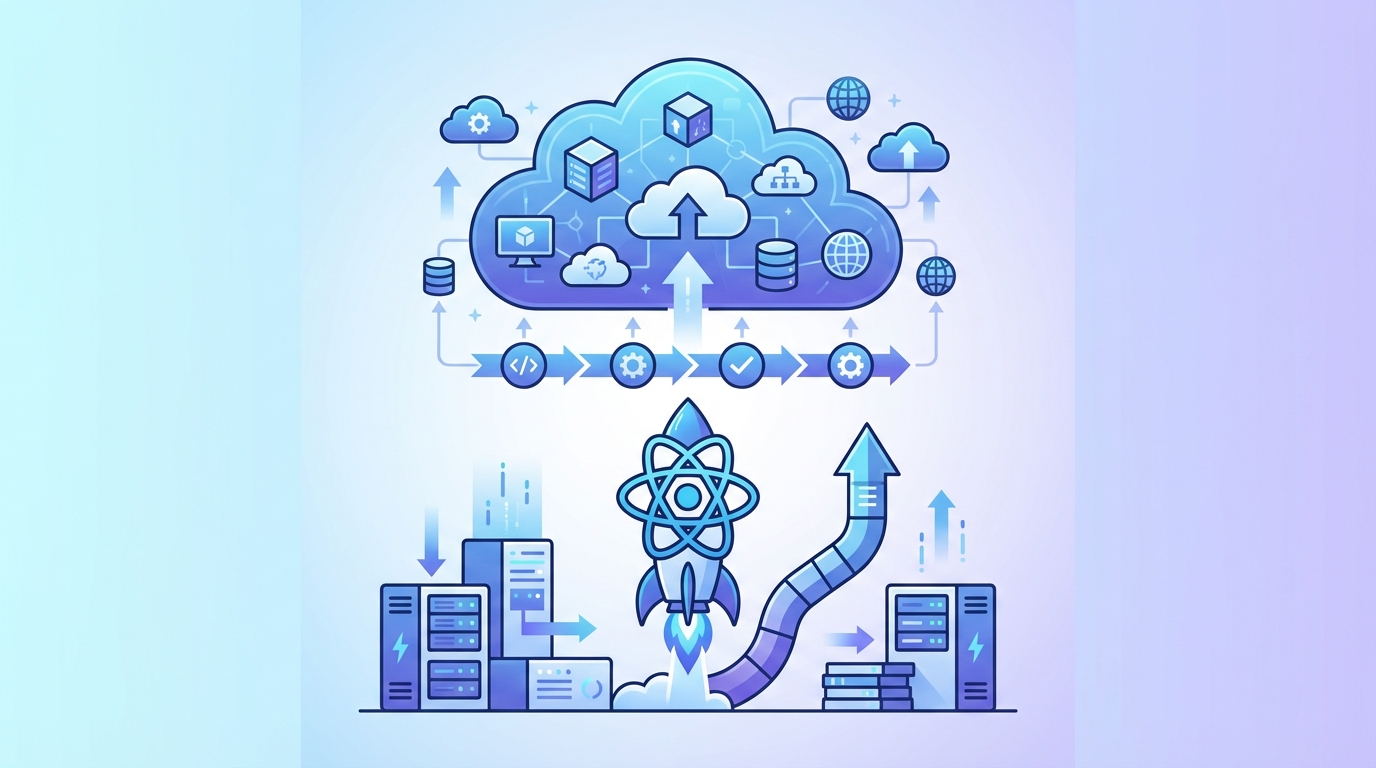
Stop wrestling with complex deployment pipelines. Here's how to get your React application live in minutes, not hours.
You've built your React app. It works perfectly on localhost:3000. Now comes the part that trips up most developers: actually getting it online where users can access it.
The truth is, deploying a React app shouldn't require a PhD in DevOps. Yet many developers spend hours configuring servers, fighting with CI/CD pipelines, and debugging mysterious production errors.
This guide cuts through the complexity. We'll cover every major deployment method—from traditional approaches to modern platforms—so you can choose what works best for your project and budget.
What You Need Before Deploying Your React App
Before pushing your React application to production, make sure you have:
- A production-ready build (run
npm run buildoryarn build) - Environment variables configured for production
- Any API endpoints pointing to production URLs
- Static assets optimized for performance
Your build folder contains everything needed for deployment: static HTML, JavaScript bundles, CSS files, and assets. Most deployment methods simply serve these files.
Method 1: Deploy React App with Deployra (Fastest Option)
If you want your React app live in minutes without managing servers, Deployra is the straightforward choice.
Why developers choose this approach:
- No server configuration required
- Automatic HTTPS and SSL certificates
- GitHub integration with auto-deploy on push
- Plans from $3.17/mo (512MB RAM, 0.5 CPU core)
- Predictable pricing as you scale
Step-by-step deployment:
- Add a Dockerfile to your React app and push it to GitHub
- Connect your GitHub account to Deployra
- Select your repository and branch
- Deployra builds the image from your Dockerfile
- Click deploy—your app goes live with a URL
That's it—no nginx box to manage, no manual SSL, no environment variable gymnastics.
For more headroom, the Basic-2GB plan at $7.55/month gives you 2GB RAM, custom domains, and zero-downtime rolling deployments. Compare that to Heroku's pricing for similar specs.
Method 2: Deploy React App to GitHub Pages (Free)
GitHub Pages works well for static React apps without backend requirements. It's free but comes with limitations.
What you'll need:
- A GitHub repository with your React code
- The
gh-pagespackage installed
Setup process:
Install the deployment package:
npm install gh-pages --save-dev
Add these scripts to your package.json:
{
  "homepage": "https://yourusername.github.io/your-repo-name",
  "scripts": {
    "predeploy": "npm run build",
    "deploy": "gh-pages -d build"
  }
}
Deploy with a single command:
npm run deploy
Limitations to consider:
- Only works for client-side rendered apps
- No server-side logic or API routes
- Custom domain setup requires additional DNS configuration
- No built-in environment variable management
- Build failures can be frustrating to debug
Method 3: Deploy React App to AWS (Complex but Powerful)
AWS offers multiple ways to host React applications. The most common approach uses S3 for storage and CloudFront for CDN distribution.
The setup involves:
- Create an S3 bucket with static website hosting enabled
- Configure bucket policy for public read access
- Upload your build folder contents
- Set up CloudFront distribution for HTTPS and caching
- Configure Route 53 for custom domain (optional)
Reality check: This method requires understanding IAM policies, S3 permissions, CloudFront cache behaviors, and AWS billing. For a simple React app, you might spend 2-4 hours on initial setup.
AWS makes sense for enterprises with existing AWS infrastructure. For startups and individual developers, the complexity rarely justifies the flexibility.
Cost consideration: While AWS can be cheap for low-traffic sites, costs escalate quickly with traffic. A site with 100,000 monthly visitors might cost $20-50/month just for hosting—before factoring in your time managing it.
Method 4: Deploy React App with Docker
Docker deployment gives you maximum control over your environment. You'll need a server to run the container.
Basic Dockerfile for React:
FROM node:18-alpine as build
WORKDIR /app
COPY package*.json ./
RUN npm ci
COPY . .
RUN npm run build

FROM nginx:alpine
COPY --from=build /app/build /usr/share/nginx/html
EXPOSE 80
CMD ["nginx", "-g", "daemon off;"]
What this approach requires:
- Understanding Docker concepts
- A server or container platform to run it
- Managing nginx configuration for routing
- Handling SSL certificates separately
- Setting up CI/CD for automated deployments
Docker deployments shine when you need specific environment configurations or want consistent deployments across multiple environments. For most React apps, it's overkill.
Pro tip: If you want Docker's benefits without the management overhead, platforms like Deployra support Docker containers out of the box—you get containerized deployments without managing the infrastructure.
Method 5: Traditional VPS Deployment
You can deploy React apps to any VPS provider (DigitalOcean, Linode, Vultr) by manually configuring a web server.
Typical setup:
- Provision a Linux server (Ubuntu is common)
- Install Node.js and nginx
- Configure nginx to serve static files
- Set up SSL with Let's Encrypt
- Create deployment scripts or use rsync
- Configure firewall rules
Time investment: Expect 4-8 hours for initial setup if you're comfortable with Linux. Ongoing maintenance adds more time.
When this makes sense:
- You need to run multiple applications on one server
- You have specific compliance requirements
- You enjoy server administration
For most developers shipping React apps, the time spent on server management would be better spent building features.
Comparing React Deployment Options
| Method | Setup Time | Monthly Cost | Best For | |--------|------------|--------------|----------| | Deployra | 5 minutes | Free - $13.60+ | Fast deployment, teams, production apps | | GitHub Pages | 30 minutes | Free | Simple portfolios, documentation | | AWS S3/CloudFront | 2-4 hours | $5-50+ | Enterprises with AWS expertise | | Docker + VPS | 4-8 hours | $5-20+ | Custom environment needs | | Traditional VPS | 4-8 hours | $5-20+ | Multi-app servers |
Common React Deployment Issues (And How to Fix Them)
Blank Page After Deployment
Usually caused by incorrect homepage settings or routing issues. Check:
- The
homepagefield inpackage.jsonmatches your deployment URL - For React Router, ensure you're using
BrowserRouterwith the correctbasename - Some hosts require a
_redirectsor configuration file for client-side routing
Environment Variables Not Working
React apps only include environment variables prefixed with REACT_APP_ in the build. Variables set on the server won't be available at runtime since React builds to static files.
Solution: Set variables before building, not after deployment.
Build Failing in Production
Your local machine and production environment might have different Node versions or dependencies. Always:
- Specify Node version in your deployment configuration
- Use
npm ciinstead ofnpm installfor consistent dependencies - Check that all dependencies (not just devDependencies) are correctly categorized
Slow Initial Load
Large bundle sizes kill performance. Before deploying:
- Run
npm run buildand check the bundle size report - Implement code splitting with
React.lazy()andSuspense - Ensure images are optimized
- Consider a CDN for static assets
Optimizing Your React App for Production
Before deployment, run through this checklist:
Performance:
- [ ] Bundle size under 200KB (gzipped) for main chunk
- [ ] Images optimized and properly sized
- [ ] Code splitting implemented for large apps
- [ ] Lazy loading for routes and heavy components
Security:
- [ ] No API keys or secrets in frontend code
- [ ] HTTPS enforced
- [ ] Content Security Policy headers configured
- [ ] Dependencies updated and vulnerabilities patched
SEO (if applicable):
- [ ] Meta tags properly set
- [ ] Semantic HTML structure
- [ ] robots.txt and sitemap.xml in public folder
Making the Right Choice
Here's the bottom line:
Choose Deployra if: You want your React app live fast without managing infrastructure. The starter plan handles side projects, and the paid plans offer real production capabilities at half the price of alternatives like Heroku.
Choose GitHub Pages if: You're deploying a simple static site with no backend needs and want zero cost.
Choose AWS if: Your company already uses AWS and has DevOps resources to manage the infrastructure.
Choose Docker/VPS if: You have specific technical requirements that demand complete control over the environment.
For most React developers, the goal is shipping products—not becoming infrastructure experts. Modern platforms eliminate the deployment complexity so you can focus on what matters: building great applications.
Related Articles
- How to Deploy a Node.js App in 2025
- Vercel Alternative: Deploy Without the Surprise Bills
- Best Docker Hosting Platforms in 2025
Ready to deploy your React app without the headaches? Get started with Deployra and have your application live in minutes.